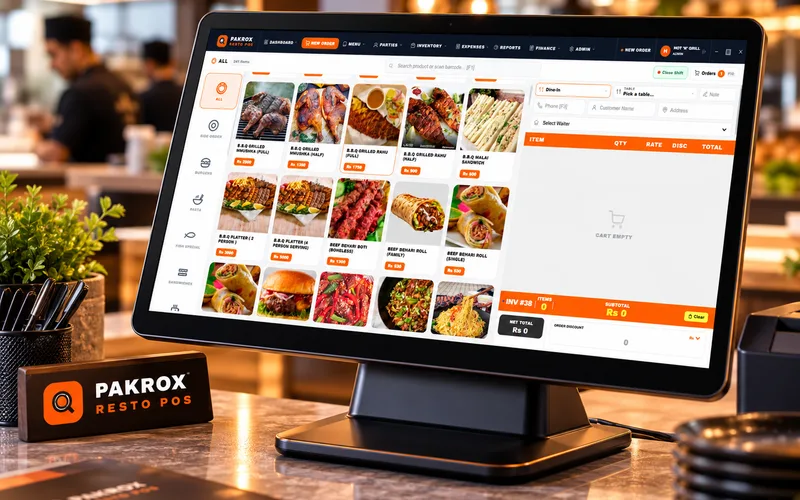
Sales & invoicing
Quotations, sales orders, invoices, returns and customer ledgers.
Platform product
Pakrox ERP brings sales, purchasing, inventory, accounts, branches and reporting together in one scalable business system — so owners see the full picture and teams stop juggling spreadsheets.
Businesses that work with Pakrox








How it works
Pakrox ERP connects every step, so information is entered once and flows everywhere it is needed.
Step 1
Create purchase orders and receive goods from suppliers.
Step 2
Inventory updates automatically across warehouses and branches.
Step 3
Bill customers with barcode, cash, card or credit (udhaar).
Step 4
Ledgers, profit and stock reports stay in sync — no extra entry.
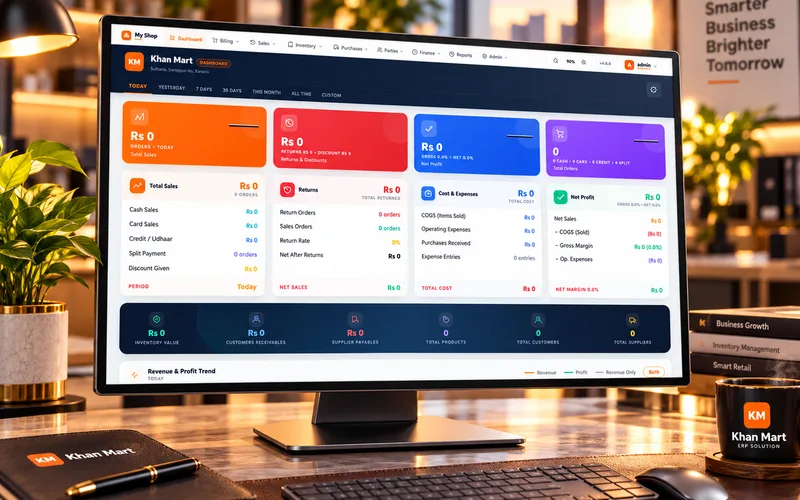
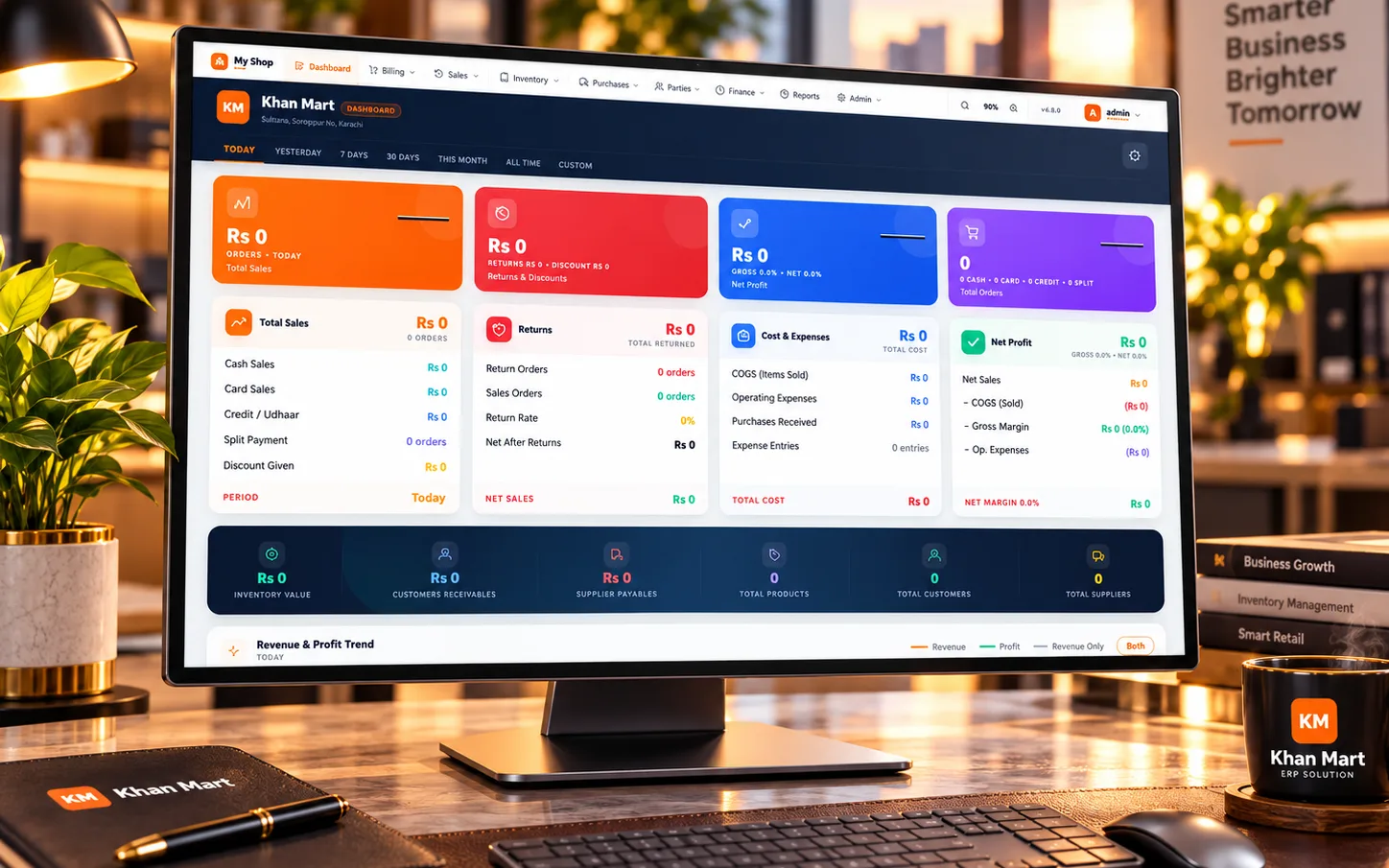
Owner dashboard
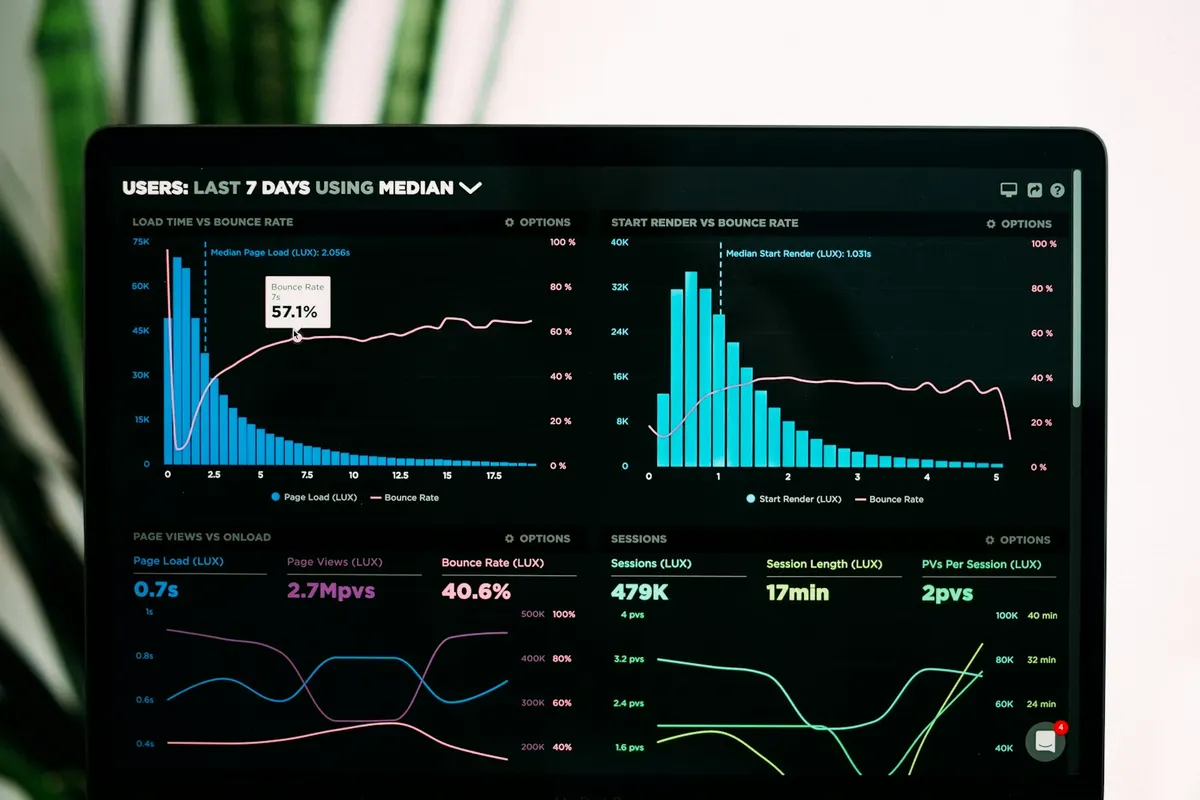
Sales, returns, expenses and profit for today, this week or any date range — the numbers owners check every morning, on one screen.
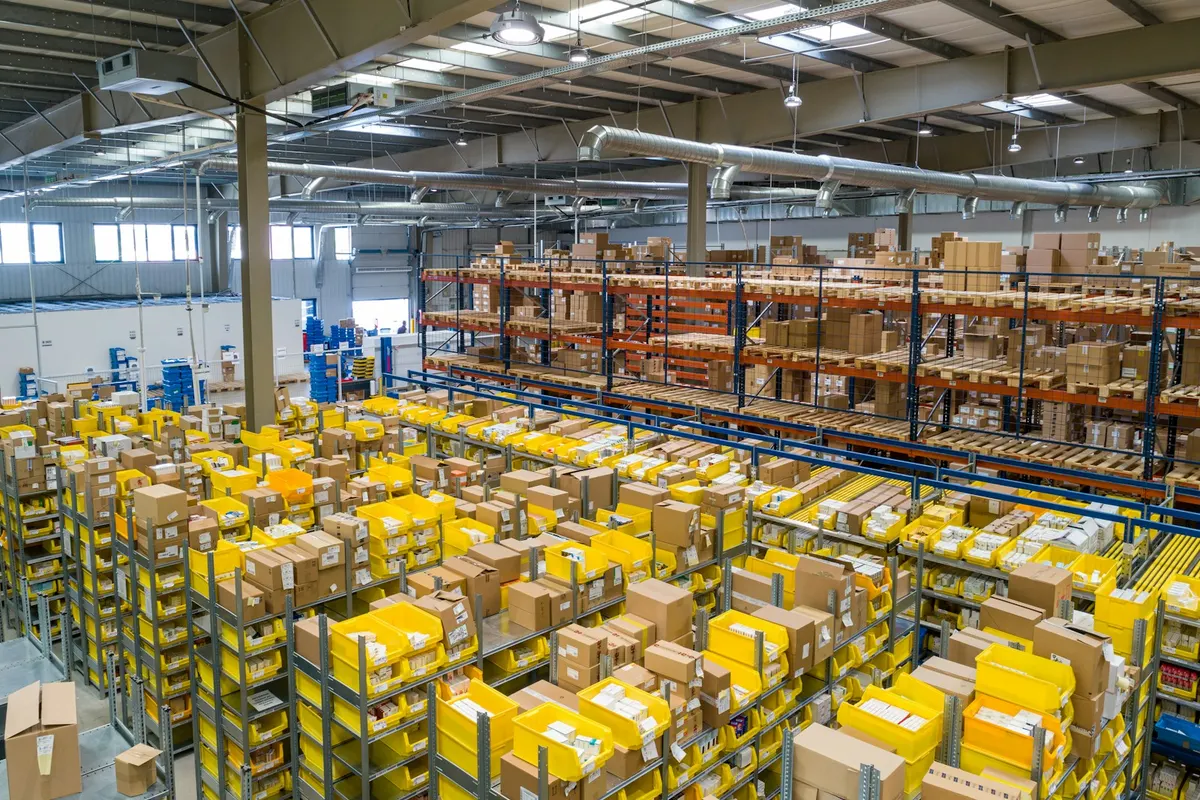
Inventory
Every sale, purchase, return and transfer updates stock in real time, across every warehouse and branch.
Accounts
Customer and supplier ledgers, expenses and financial reports update automatically — no double entry, no end-of-month surprises.
Everything included
Quotations, sales orders, invoices, returns and customer ledgers.
Purchase orders, goods receiving, supplier bills and supplier ledgers.
Multi-warehouse stock, transfers, adjustments, batches and stock valuation.
Chart of accounts, vouchers, receivables, payables, expenses and financial reports.
Branch-level operations with consolidated reporting for the head office.
Detailed permissions for every department and user.
Sales, profit, stock, receivables and performance reports in real time.
Cloud-connected with offline-ready operations where your business needs them.
Included
Every Pakrox ERP customer gets hands-on help from our team, from setup to everyday support.
We install and configure the system for your business.
Items, customers, suppliers and opening balances imported for you.
Hands-on training so your team is confident from day one.
New features and improvements delivered as the product grows.
Your business data is backed up and recoverable.
Talk to a real person over WhatsApp or phone when you need help.
Designed for real day-to-day operations.
See how Pakrox ERP fits your industry.
FAQ
Quick answers to what clients usually ask before getting started. Anything else? Ask us directly.
Yes. You can start with the modules you need today and add more as the business grows.
Yes. Reports, fields, workflows and rules can be adapted to your business.
Yes. Items, customers, suppliers and opening balances can be imported during setup.
Yes. Contact us for a walkthrough of Pakrox ERP with sample data or your own.
Yes. Credit sales are recorded against customer ledgers so you always know who owes what.
Yes. The owner dashboard can be accessed from anywhere with the cloud-connected setup.
Start a project
Tell us what you need — your message comes straight to our team and we'll get back to you soon.