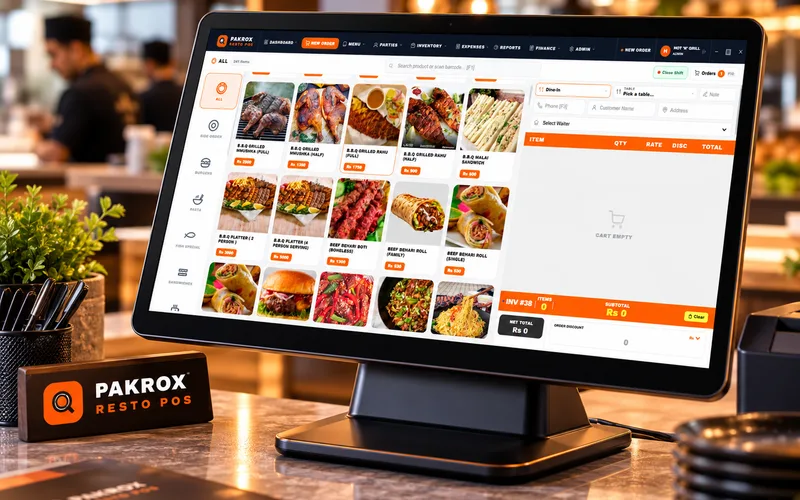
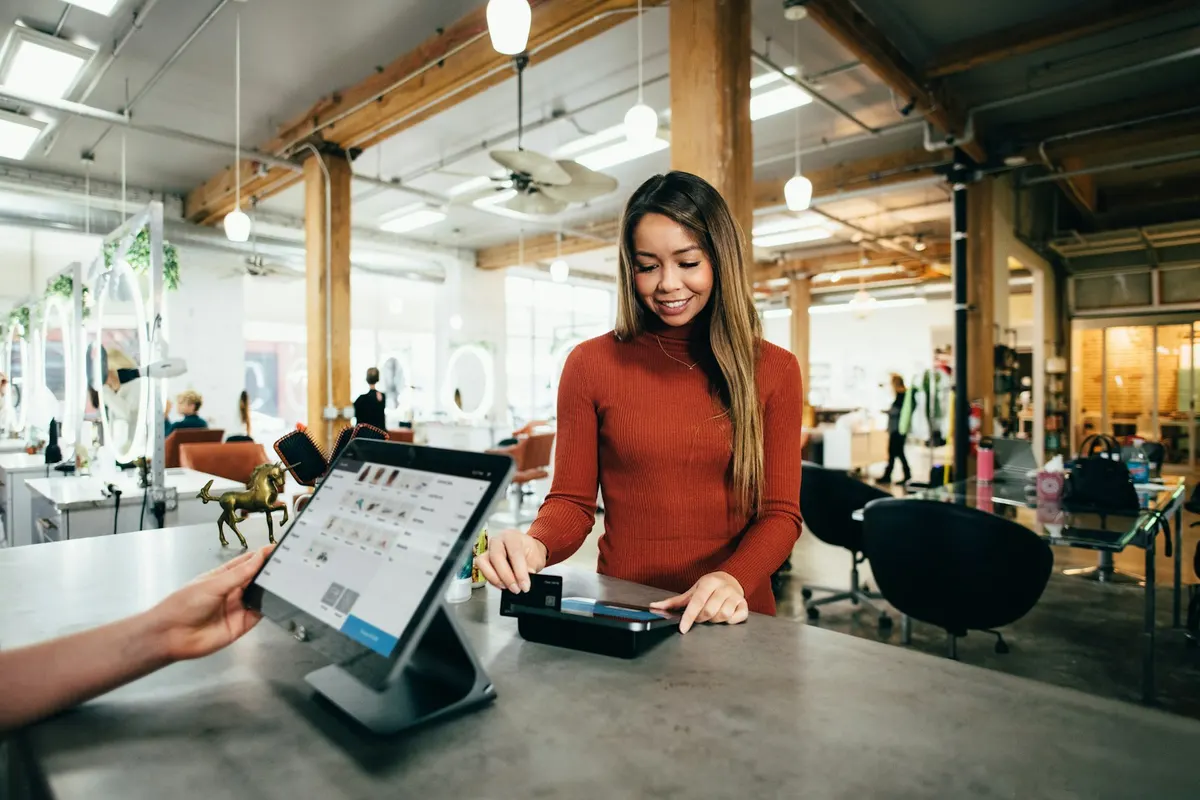
Fast billing & POS
Quick checkout with barcode, discounts, multiple payment methods and printed or digital receipts.
ERP & POS Software
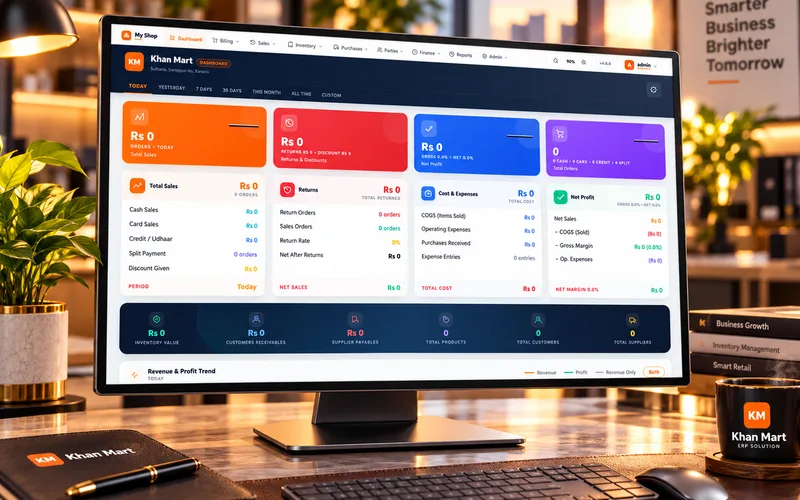
From the billing counter to the owner’s report, Pakrox connects sales, stock, purchasing, accounts and branches in one system — fast at the counter, clear in the back office and reliable even when the internet is not.
Businesses that work with Pakrox






What we offer
Billing, inventory, accounts, staff, branches and reporting — built for real day-to-day operations.
Fast barcode billing for shops, marts and grocery stores.
Dine-in, takeaway, delivery and kitchen tickets with Pakrox Resto.
Stock, purchases, transfers and alerts across locations.
Ledgers, expenses, receivables and financial reports.
Central pricing, branch stock and consolidated reports.
Production, distribution or service modules built for you.
What you get
Quick checkout with barcode, discounts, multiple payment methods and printed or digital receipts.
Real-time stock, low-stock alerts, transfers, adjustments and batch or expiry tracking where needed.
Ledgers, payables, receivables, expenses and cash closing that stay in sync with every sale and purchase.
Manage branches from one place with branch-level stock, pricing, users and consolidated reports.
Role-based access so every user sees only what they need — cashier, manager, accountant or owner.
Billing keeps running when the connection drops and syncs automatically when it returns.
Everything handled by one in-house team — from planning to launch and support.
Start your projectProcess
A clear, step-by-step process — you always know what is happening and what comes next.
Step 1
We understand your business, goals, users and what is not working today.
Step 2
A clear scope with modules, timeline and cost — agreed before any work starts.
Step 3
Screens and user flows designed around your team, reviewed with you.
Step 4
Development in phases with regular demos, so you see progress early.
Step 5
Go-live, training for your team and ongoing support as you grow.
Ways to work
Flexible options for every stage — from a one-time project to a long-term team.
A defined scope, timeline and price. Best for websites, apps and systems with clear requirements.
Ongoing improvements, new features and support for a fixed monthly fee.
Designers and developers working as an extension of your team on larger products.
FAQ
Quick answers to what clients usually ask before getting started. Anything else? Ask us directly.
Yes. We can import items, customers, suppliers and opening balances from spreadsheets or most existing systems during setup.
Yes. Standard barcode scanners, thermal receipt printers and cash drawers are supported.
Yes. Screens, reports, workflows and rules can be adapted to how your business actually works.
Most businesses start with Pakrox Resto or Pakrox ERP and add custom modules only where needed. We will recommend the right path after understanding your workflow.
Yes. Billing continues offline and syncs automatically when the connection returns.
More services
Start a project
Tell us what you need — your message comes straight to our team and we'll get back to you soon.