Guides 15 November 2026 · 2 min read
Distribution software explained: from order booking to van settlement
The five steps a distributor repeats every day, where each one usually goes wrong on paper, and what distribution software should do at each step.
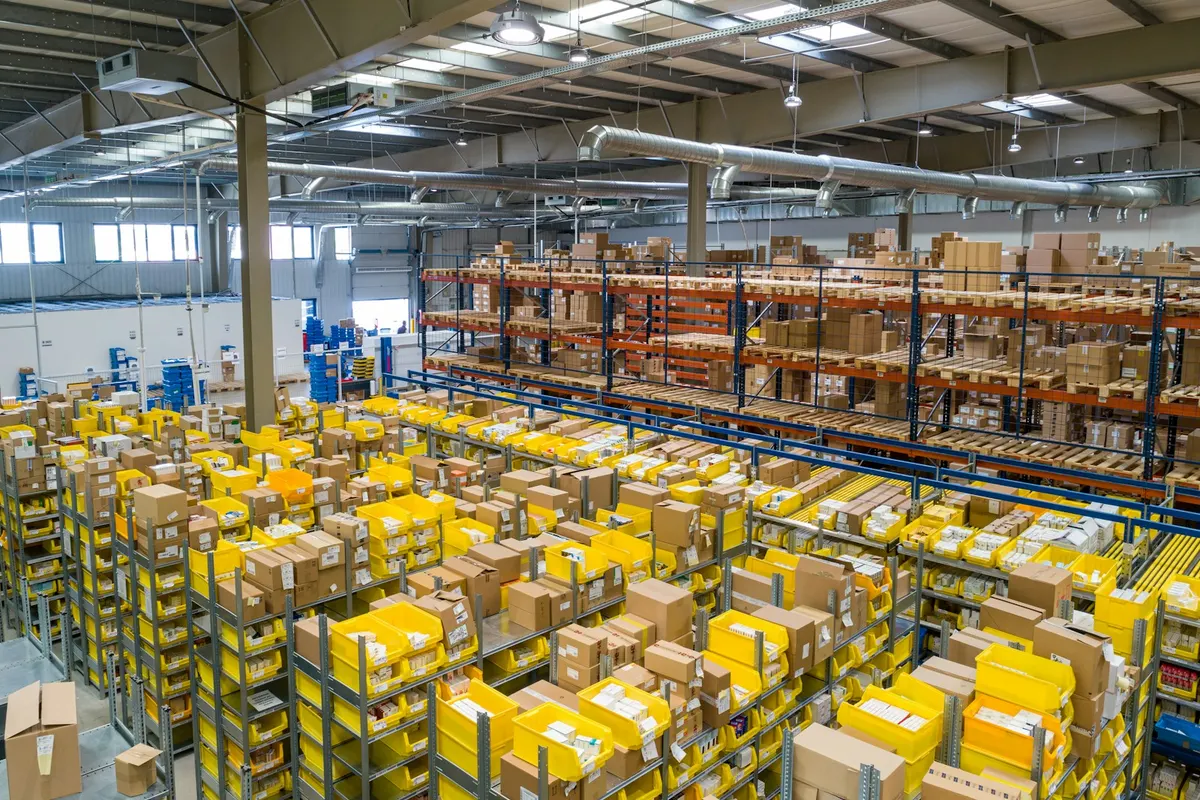
Distribution software follows goods and money through five steps: booking the order, making the bills, loading the van, settling the van when it returns, and recovering what is still owed. A distributor who controls all five knows the profit of every route. One who loses track of any step is guessing.
Step 1: Order booking
Order bookers visit shops on their routes and take orders. On paper, those orders are typed again at the office that night. With a booking app the order is entered once, on the phone, with the booker's customers, items, rates and balances already on it. The app should work without internet, because many routes have no signal, and sync when the booker is back.
Step 2: Making the bills
Next morning the office turns orders into bills. Good software does this in bulk: filter by route or booker, tick the orders, and make all the bills at the booked rates. Orders that cannot be filled, for example because stock ran out, should stay open with the reason shown.
Step 3: The load sheet
The load sheet tells the warehouse what goes on which vehicle. It should total the goods in cartons and pieces, include free goods, and list the bills with space for cash received and a signature. A load sheet made by hand is where most short deliveries begin.
Step 4: Van settlement
When the vehicle returns, four things must be recorded together:
- which bills were delivered, partly returned or not delivered;
- cash received against today's bills;
- old recoveries collected on the way;
- trip expenses such as diesel and toll.
The software works out the cash that should be in the driver's hand. You count what is actually there, and any short or excess is recorded against that trip.
Step 5: Recovery
Credit sales are only profit once they are collected. A recovery sheet printed by route gives the salesman a list to work from, oldest bills first, and lets you note a promise date for customers who ask for time.
What to measure
| Report | What it tells you |
|---|---|
| Route profit | Sales after returns, less cost and trip expenses |
| Targets against achievement | What each salesman still has to sell this month |
| Cash with salesmen | Money collected but not yet handed in |
| Secondary sales | Sales by shop and area, as principals ask for it |
| Aging | Who owes what, and for how long |
Schemes and claims
Much of a distributor's margin comes from schemes such as 12 + 1, trade offers and claims for damage or expiry. Software should apply schemes on the bill by itself and keep a running list of what each company still owes you.
Pakrox Universal ERP covers all five steps and includes the Pakrox Booker Android app, which works offline. Read more on the distribution management software page or the page for FMCG distributors.
Have a question about your business?
Our team is happy to help — no obligation.